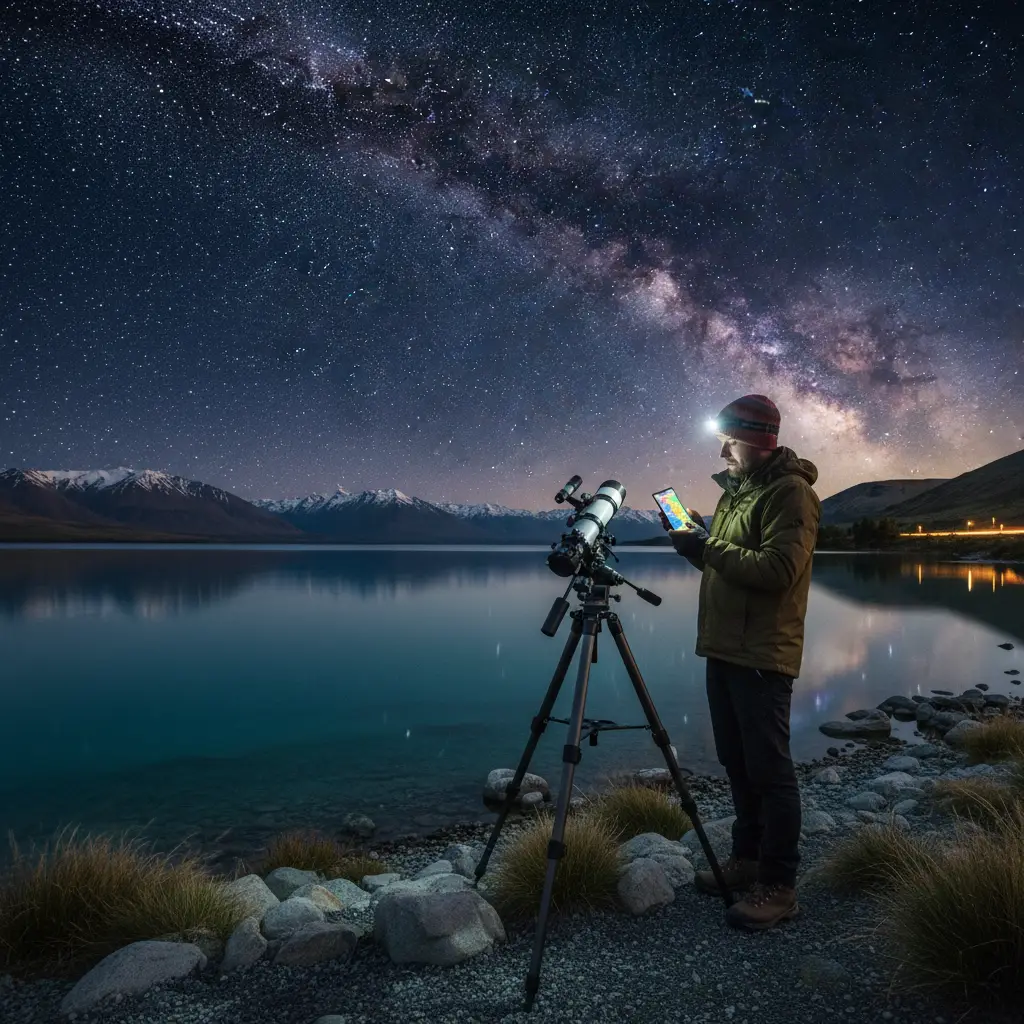
What is the best astrophotography planning app?
The best astrophotography planning app for most photographers is PhotoPills due to its comprehensive Augmented Reality (AR) modes, precise Milky Way tracking, and intuitive user interface. However, for technical landscape simulation in rugged terrain like New Zealand, Planit Pro is a superior alternative, offering 3D terrain modeling to predict precise alignment of celestial bodies behind mountain peaks.
New Zealand offers some of the darkest skies on the planet. From the Aoraki Mackenzie International Dark Sky Reserve to the remote corners of Stewart Island, the opportunities for capturing the cosmos are unrivaled. However, the Southern Hemisphere sky presents unique challenges. The Galactic Core is visible at different times than in the north, the Aurora Australis requires precise magnetic data to catch, and the weather in the Roaring Forties is notoriously fickle. This is where a dedicated astrophotography planning app becomes your most valuable piece of gear—more critical, arguably, than your fastest lens.
In this guide, we break down the essential software ecosystem for New Zealand astrophotographers, focusing on commercial tools that help you align the Southern Cross, predict the Aurora, and master the Māori lunar calendar (Maramataka) for optimal shooting conditions.
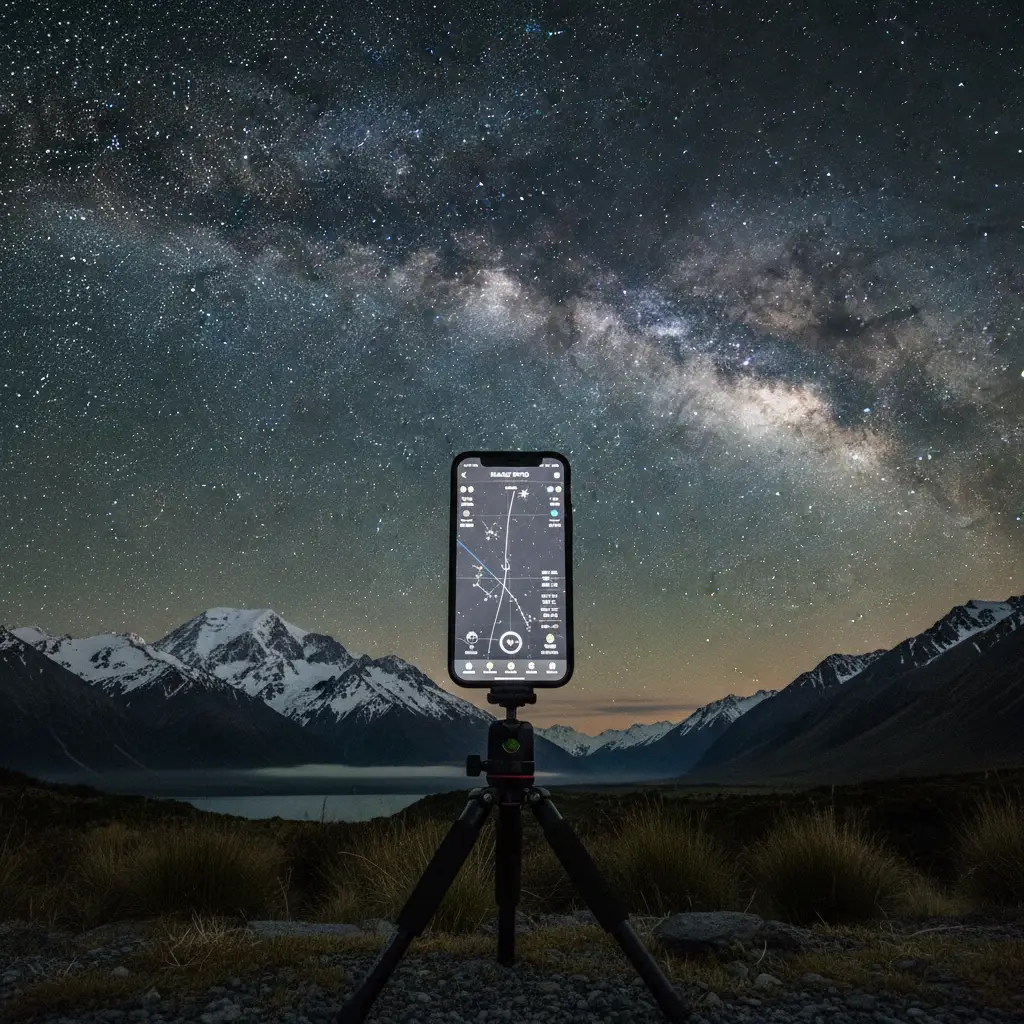
PhotoPills vs Planit Pro: The Southern Hemisphere Showdown
When discussing the definitive astrophotography planning app, the conversation almost always boils down to two heavyweights: PhotoPills and Planit Pro. Both are paid applications available on iOS and Android, and both are capable of planning complex shots. However, their workflows differ significantly.
PhotoPills: The Swiss Army Knife
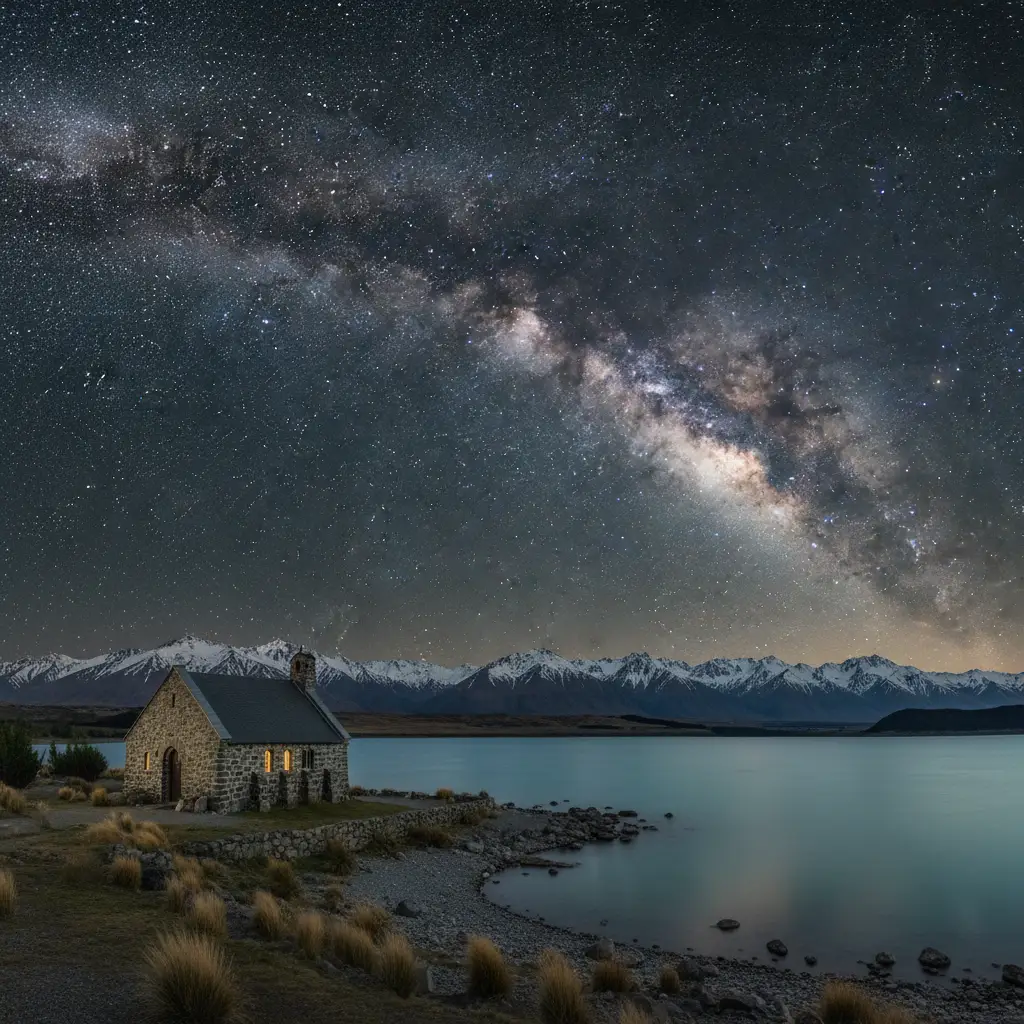
PhotoPills is widely regarded as the industry standard for a reason. Its interface is polished, and its “Pills” (modules) cover everything from exposure calculations to star trails. For New Zealand photographers, the Night AR mode is a game-changer. By holding your phone up to the sky, you can visualize exactly where the Milky Way core will rise relative to landmarks like the Church of the Good Shepherd.
Key Features for NZ Shooters:
- 2D Milky Way Planner: A map-centric view that allows you to drop a pin on a location (e.g., Lake Tekapo) and scrub through the timeline to see alignment vectors.
- Spot Stars: This calculator is essential for avoiding star trails based on your specific camera sensor and focal length (the NPF rule), which is crucial when shooting the detailed Magellanic Clouds.
- User Experience: It has a steeper learning curve than a basic star map but is generally more intuitive than Planit Pro for on-the-fly adjustments.
Planit Pro: The Technical Simulator
If PhotoPills is the artist’s tool, Planit Pro is the engineer’s tool. Its defining feature is the ability to render a 3D simulation of the terrain. In a country as vertical as New Zealand, knowing if the moon will rise behind or above the Southern Alps is a critical distinction.
Why Choose Planit Pro?
- Virtual Reality (VR) Viewfinder: You can simulate the view from a specific GPS coordinate without physically being there. This is invaluable for planning expeditions to remote locations like Fiordland where scouting trips are expensive and difficult.
- Focal Length Simulation: It allows you to visualize exactly how large the moon or Galactic Core will appear in your frame at 200mm vs 14mm.
- Precision: Many advanced users find its ephemeris data slightly more customizable for complex multi-row panoramas.
Verdict: If you are a landscape photographer who needs to know if the moon will align perfectly with a specific peak, buy Planit Pro. For general Milky Way chasing, star trails, and a better on-location AR experience, PhotoPills remains the best astrophotography planning app.
Stellarium: Deep Sky Planning on Desktop
While mobile apps are essential for field work, deep sky imaging often requires the robust real estate of a desktop monitor. Stellarium is an open-source planetarium software that is indispensable for planning deep sky object (DSO) imaging.
Unlike landscape astrophotography, where the foreground matters, DSO imaging is about target availability. Stellarium allows you to fast-forward time to see when specific Southern Hemisphere targets—like the Carina Nebula or the Large Magellanic Cloud—will be at their highest altitude (transiting the meridian). This is crucial because imaging objects higher in the sky results in less atmospheric turbulence and better signal-to-noise ratios.
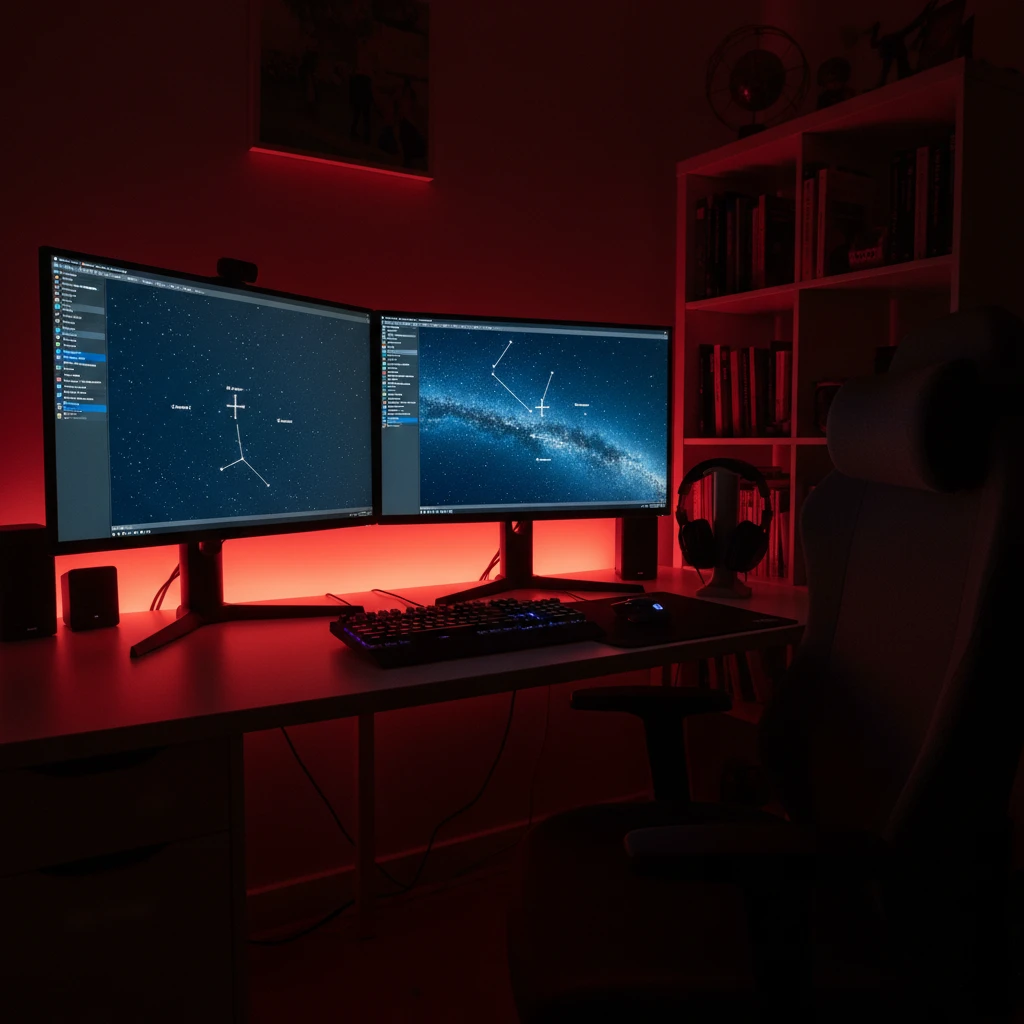
The Ocular View Plugin: Stellarium’s “Ocular” feature allows you to input your specific telescope and sensor data. It then overlays a red rectangle on the sky map, showing you the exact framing of your target. This prevents the frustration of setting up a rig only to realize your target is too large for your focal length.
Weather Intelligence: MetService, Windy, and Cloud Cover
The most sophisticated ephemeris data is useless if the sky is covered in clouds. In New Zealand, weather changes rapidly. Relying on a generic weather app is a recipe for failure. You need a suite of meteorological tools to interpret cloud layers.
MetService (Local Precision)
For New Zealand specifically, the MetService app is the first line of defense. Its rain radar is highly accurate for short-term predictions. However, for astrophotography, you need to dig deeper into their marine or rural forecasts to find cloud cover percentages.
Windy.com (Global Data Visualization)
Windy is the preferred tool for professional astrophotographers. It visualizes weather models (ECMWF, GFS) on a map. The critical layer to check is “Cloud,” but you must toggle between Low, Medium, and High clouds.
- Low Clouds: These block the view entirely but can create dramatic “inversion” layers if you are shooting from a high altitude like the ski fields in Queenstown.
- High Clouds: These often result in a thin haze that bloats stars and reduces contrast, killing deep sky detail.
- Fog: Windy can also predict fog, which is a common occurrence in the Mackenzie Basin during winter.
Clear Outside
Developed by First Light Optics, Clear Outside is a free app designed specifically for astronomers. It breaks down cloud cover into percentages for low, medium, and high layers, and provides a simple “traffic light” system (Green/Red) for visibility. It also includes ISS pass times, which can either be a photo opportunity or a nuisance depending on your goals.
Chasing the Aurora Australis: Specialized Tools
Planning for the Aurora Australis (Southern Lights) is different from planning for the Milky Way. The Milky Way is static and predictable; the Aurora is dynamic and solar-dependent. A standard astrophotography planning app like PhotoPills will tell you when it is dark, but not when the Aurora is active.
To capture the elusive beams of the south, you need real-time solar data.
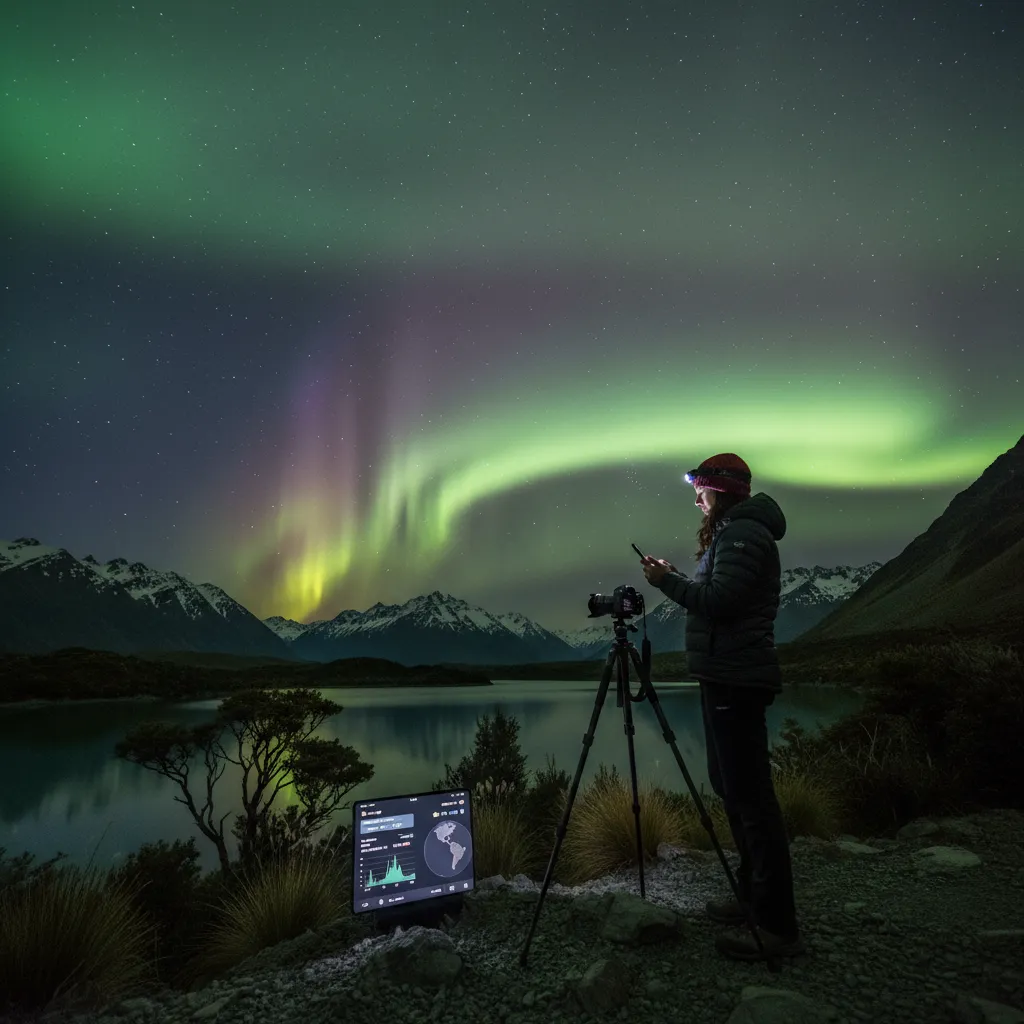
Solar Monitor & SpaceWeatherLive
You need to monitor three main metrics:
- Kp Index: A global geomagnetic storm index. For New Zealand, a Kp of 4 or 5 usually yields photographic visibility on the horizon. A Kp of 6+ can bring the lights overhead in the South Island.
- Bz (Interplanetary Magnetic Field): This is arguably more important than Kp. The Bz needs to be negative (southward pointing) for the solar wind to enter the Earth’s atmosphere efficiently. If the Kp is 7 but the Bz is positive, you might see nothing.
- Hemispheric Power: Measured in Gigawatts (GW). Higher power means a brighter and more active display.
Apps like Glendale (a web-based app popular in the NZ Aurora community) provide real-time graphs of these metrics. Combining Glendale’s data with PhotoPills’ darkness planner is the secret to successful aurora hunting.
Maramataka and Moon Phase Strategies
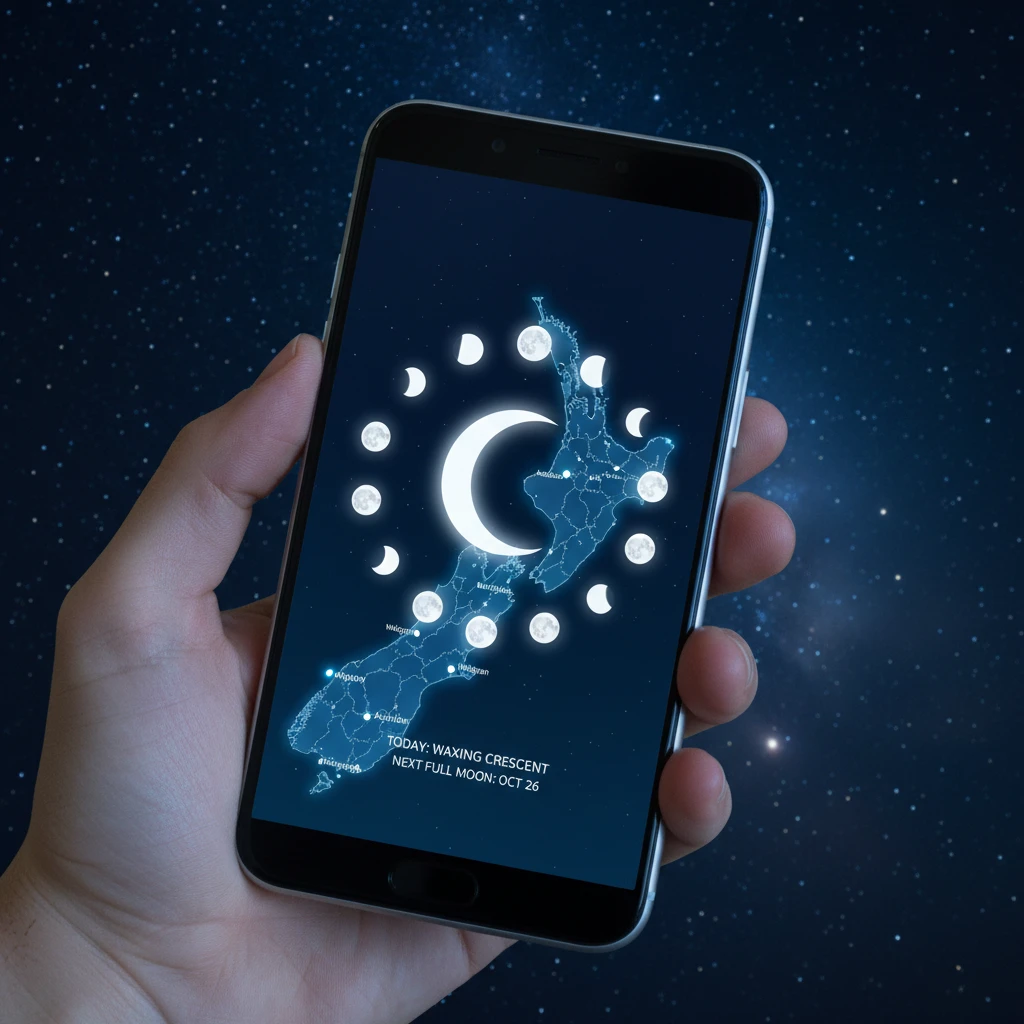
In New Zealand, understanding the sky goes beyond Western astronomy. The Maramataka is the Māori lunar calendar, which observes the phases of the moon to dictate planting, fishing, and activity levels. For the astrophotographer, integrating this knowledge can deepen your connection to the landscape and the night.
Light pollution from the moon is the enemy of deep sky imaging but can be an ally for landscape astrophotography. A full moon (Rakaunui) washes out the stars, making Milky Way photography impossible. However, it illuminates the foreground, allowing for low-ISO landscape shots that look surreal.
Planning Strategy:
- Whiro (New Moon): This is the phase for the galactic core. The sky is darkest. Use PhotoPills to ensure the moon is below the horizon during your shooting window.
- Quarter Moons: These provide side-lighting on mountains. Planning a shoot when the moon is at 30-50% illumination can render the Southern Alps with depth and texture while still leaving enough darkness for bright stars like Alpha Centauri to shine.
Augmented Reality Sky Maps for Scouting
Sometimes you don’t need a complex calculator; you just need to know “what is that star?” or “where will the Pleiades rise?”. Augmented Reality (AR) sky maps are essential for scouting locations during the day or navigating the night sky in real-time.

Star Walk 2 and Sky Guide
These apps excel at visualization. They use your phone’s gyroscope and compass to overlay constellations on the live camera feed. While less rigorous than Planit Pro, they are faster.
Commercial Application: For astrotourism operators in New Zealand, these apps are vital. When guiding clients in Tekapo or Great Barrier Island, using an iPad with Sky Guide allows you to point at the sky and show guests exactly what they are looking at, overlaying mythology and art over the stars. It bridges the gap between the technical data and the human experience of stargazing.
Conclusion
The best astrophotography planning app for you depends on your specific mission. For the all-around shooter in New Zealand, PhotoPills is the must-have investment. For the precision landscape artist plotting alignments over Mount Taranaki or Aoraki, Planit Pro is the superior choice. However, no single app does it all. A complete digital toolkit includes Windy for weather, Stellarium for deep sky framing, and a solar monitor for the Aurora Australis. By mastering these tools, you move from hoping for a good shot to guaranteeing one.
What is the best free astrophotography planning app?
For desktop, Stellarium is the best free planning tool. For mobile, the free version of Star Walk 2 is good for basic star identification, but for serious planning (Milky Way alignment), there is no free tool that matches the capability of paid apps like PhotoPills. Clear Outside is the best free weather planner.
Is PhotoPills worth the money for beginners?
Yes, PhotoPills is worth the investment even for beginners. While it has advanced features, the AR mode is incredibly user-friendly and helps beginners understand where the Milky Way will be, saving hours of frustration in the dark.
Can I use these apps to photograph the Aurora Australis?
Standard planning apps like PhotoPills help you find dark times and locations, but they do not predict solar activity. You must use dedicated aurora apps like SpaceWeatherLive or Glendale App alongside your planning software to successfully catch the Southern Lights.
How do I plan a Milky Way shot in New Zealand?
Use the “Planner” module in PhotoPills. Set the date for the New Moon phase (Whiro). Place the pin on your shooting location. Scrub the bottom time bar until the Milky Way arch (represented by dots) aligns with your desired land feature. Check the elevation to ensure the core is visible above the mountains.
Does Planit Pro work offline?
Yes, Planit Pro works offline, but you need to download the offline elevation files (DEM data) and map tiles for New Zealand beforehand. This is essential when shooting in remote areas like National Parks where cellular signal is non-existent.
What is the NPF rule in these apps?
The NPF rule is a calculation used to determine the maximum shutter speed you can use before stars begin to trail (blur). It is more accurate than the old “500 Rule” because it accounts for camera sensor pixel density and aperture. Both PhotoPills and Planit Pro have built-in NPF calculators.